The 9 Best DDR4 and DDR5 RAMs for Laptops In 2026
Memory is one of the most important components of any computer. It serves as a link between the CPU and the rest of the system. As a result, one of the most common aspects of your computer that might slow you down is the RAM, whether it is the speed or frequency of such RAM or just its capacity. Hence, it is important to make sure your laptop has enough RAM to function efficiently. You might have already picked the best DDR4 RAM for desktop using our guide, but this roundup is for laptop memory.
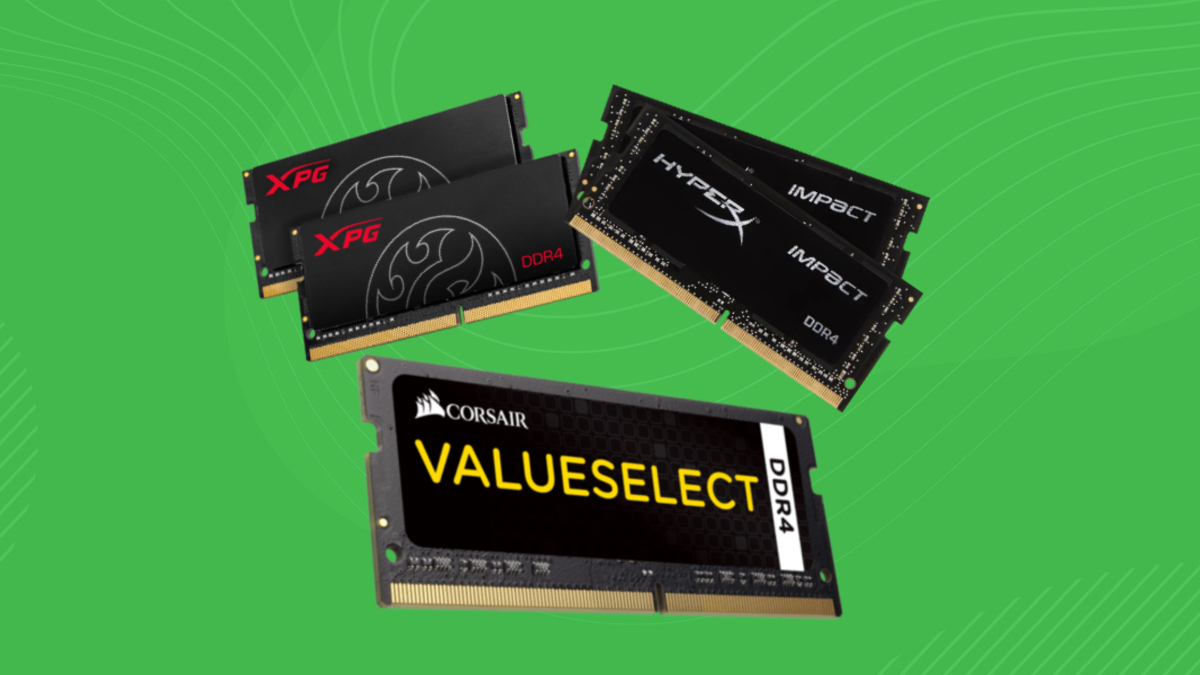
A RAM upgrade is an easy way to boost your laptop’s performance. However, finding the best RAM for your laptop might be difficult when there are hundreds of alternatives to select from. Fret not, because this article will help you make the right choice, whether you want excellent performance from high-end components or a quick upgrade for your laptop at a reasonable price.
We’ll look at a variety of laptop RAMs, including DDR4 and DDR5. We considered all factors when preparing this list, so you are sure to find what you are looking for.
| # | Preview | Product Name | Award | Details |
|---|---|---|---|---|
| 1 | 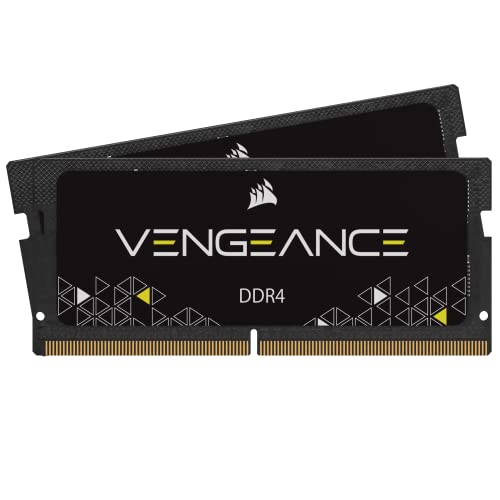 | Corsair Vengeance DDR4 | Best Value DDR4 RAM for Laptops | Check Price |
| 2 |  | G.Skill RipJaws DDR4 | Best Overclocking DDR4 RAM for Laptops | Check Price |
| 3 | 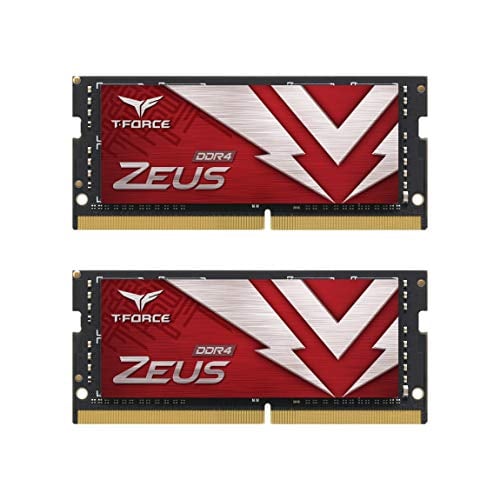 | TEAMGROUP T-Force Zeus | Best Cooled DDR4 RAM for Laptop | Check Price |
| 4 | 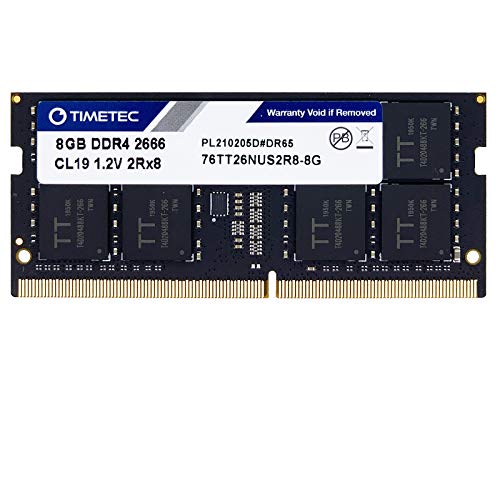 | TimeTec Hynix | Best Basic DDR4 RAM for Laptops | Check Price |
| 5 | 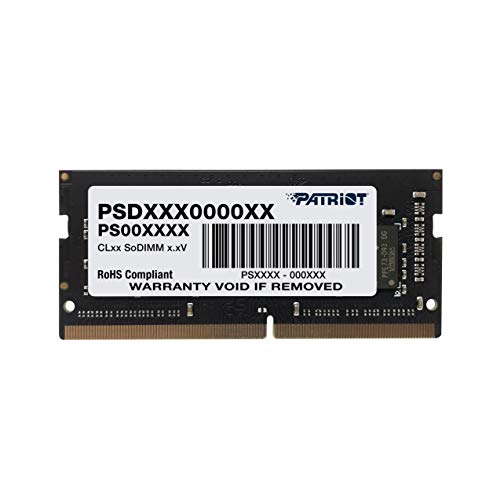 | Patriot Memory Signature Line | Best Budget DDR4 RAM for Laptops | Check Price |
| 6 |  | Crucial DDR5 5600 MHz | Best Overall DDR5 RAM for Laptop | Check Price |
| 7 | 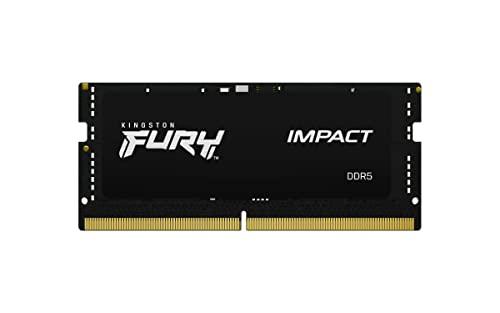 | Kingston Fury Impact DDR5 5600 MHZ | Best High-End DDR5 RAM for Laptop | Check Price |
| 8 |  | Corsair Vengeance DDR5 4800 MHZ | Best Value DDR5 RAM for Laptop | Check Price |
| 9 | 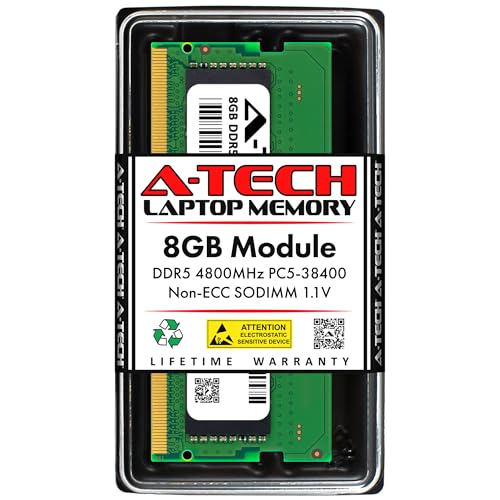 | A4Tech DDR5 4800 MT/s | Best Entry Level DDR5 RAM for Laptop | Check Price |
| # | 1 |
| Preview | |
| Product Name | Corsair Vengeance DDR4 |
| Award | Best Value DDR4 RAM for Laptops |
| Details | Check Price |
| # | 2 |
| Preview | |
| Product Name | G.Skill RipJaws DDR4 |
| Award | Best Overclocking DDR4 RAM for Laptops |
| Details | Check Price |
| # | 3 |
| Preview | |
| Product Name | TEAMGROUP T-Force Zeus |
| Award | Best Cooled DDR4 RAM for Laptop |
| Details | Check Price |
| # | 4 |
| Preview | |
| Product Name | TimeTec Hynix |
| Award | Best Basic DDR4 RAM for Laptops |
| Details | Check Price |
| # | 5 |
| Preview | |
| Product Name | Patriot Memory Signature Line |
| Award | Best Budget DDR4 RAM for Laptops |
| Details | Check Price |
| # | 6 |
| Preview | |
| Product Name | Crucial DDR5 5600 MHz |
| Award | Best Overall DDR5 RAM for Laptop |
| Details | Check Price |
| # | 7 |
| Preview | |
| Product Name | Kingston Fury Impact DDR5 5600 MHZ |
| Award | Best High-End DDR5 RAM for Laptop |
| Details | Check Price |
| # | 8 |
| Preview | |
| Product Name | Corsair Vengeance DDR5 4800 MHZ |
| Award | Best Value DDR5 RAM for Laptop |
| Details | Check Price |
| # | 9 |
| Preview | |
| Product Name | A4Tech DDR5 4800 MT/s |
| Award | Best Entry Level DDR5 RAM for Laptop |
| Details | Check Price |
Last Update on 2026-03-29 at 23:11 / Affiliate links / Images from Amazon Product Advertising API
Update: We recently updated this article to include the best DDR5 RAM for Laptops as well. When the original piece was written, DDR5 was still quite new, and laptop kits had not come out yet. Since they are now readily available for consumers, we decided to include a second roundup in this article to help you find the best RAM for your needs.
How We Picked and Tested The Best RAM for Laptop
When we were compiling this list of the best RAM for laptops, there were a lot of key factors to consider. For desktop memory, conducting intensive research, shortlisting the best kits out of the dozens of options available, and then comparing them to each other is hard enough. In the case of laptop memory, it is even harder.
For example, when you’re on the hunt for the best RAM for laptops, aesthetics don’t really matter to you. So, when it comes to these kits, performance is what truly matters. From there, we decided to compile a list based on the most popular RAM kits for laptops. Of course, we had to take factors such as CAS Latency, Frequency, and memory timings in mind, as those are the most important metrics for the best performance.
From there, we first compiled a list of the best DDR4 RAM for laptops, and then another roundup of the best DDR5 RAM for laptops. We ranked them based purely on performance and the value on offer. So, rest assured, all of these picks are verified to be optimal for most laptops in 2025.
Here are some of the metrics we focused on:
- Frequency/Speed
- Memory Timings
- CAS Latency
- Overclocking support (Intel XMP, AMD EXPO)
1. Corsair Vengeance DDR4
Best Value DDR4 RAM for Laptop
Pros
- Low Voltage At 1.2V
- Includes Heatspreader
- Works Well With Both Windows And Mac
- Good Frequency Offerings
- Competitive Price
Cons
- Higher Speed Kits Are Too Expensive
- 2400MHz Kit Has CL16 Latency
Frequency: 2400MHz | XMP Ready: No | CAS Latency: 16 | Auto Overclocking: Yes
 Check Price
Corsair is the brand for RAM kits, so seeing a Corsair product at the top of this list should come as no surprise. Corsair has been known to make affordable and great products. and this DDR4 kit is no exception. It offers exceptional performance and great value, making it a great option for you.
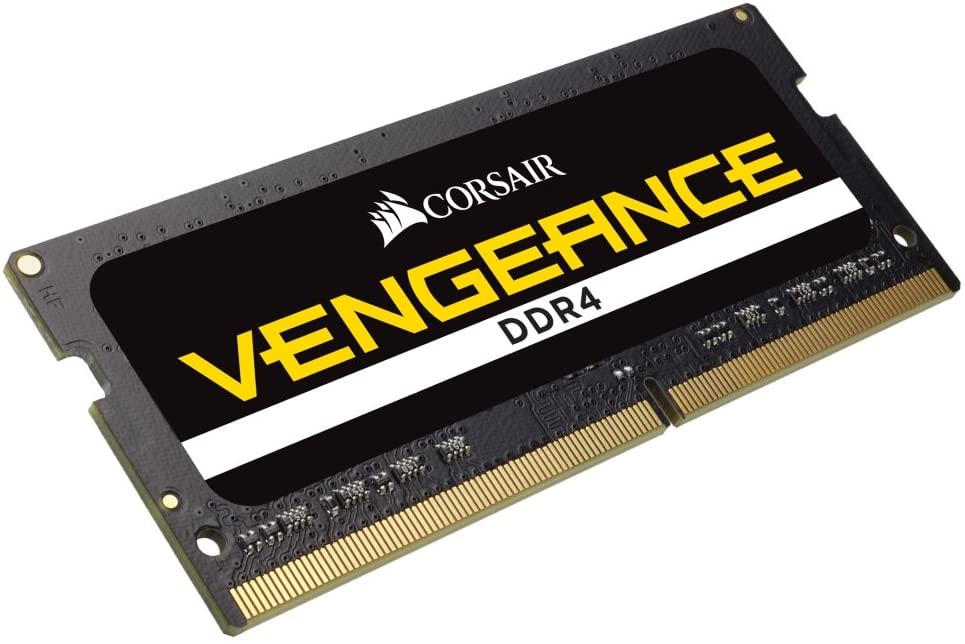
Apart from the excellent price-to-performance ratio, these kits run exceptionally well. These Corsair Vengeance series DDR4 kits render better performance while providing faster speeds at the same time with their 2400 MHz operating frequency. This specific model consists of 2x 8GB of RAM, but there are more options. Furthermore, at this price, this module has a CAS latency of 16, which is quite good. On a related note, we have a detailed guide on how to overclock your RAM for Ryzen systems if you’re running a modern desktop PC.
To dive deep, these kits operate at a frequency of 2400 MHZ. But kits with frequencies up to 4000 MHz are available. However, your system must be fully compatible before running those high-frequency RAM kits, and those kits are significantly more expensive. They are, however, not as fast as their desktop counterparts, such as the Corsair Vengeance LPX series. You can read our guide on how to overclock RAM using XMP to get the most out of this kit.
Another plus is that no BIOS changes are needed to take advantage of the overclocking, as it is auto-overclockable. This means fast speeds right out of the box.
All in all, this Corsair Vengeance DDR4 is the perfect kit for value-oriented consumers. At an affordable price, it offers impressive performance, fast speeds, and lower latencies.
2. G.Skill RipJaws DDR4
Best Overclocking DDR4 RAM for Laptop
Pros
- Great for Overclocking
- Decent CAS Latency
- Good Thermals
- Nice Design
Cons
- Relatively Expensive
Frequency: 3200MHz | XMP Ready: Yes | CAS Latency: 22 | Auto Overclocking: Yes
From its inception, G.Skill has been synonymous with top-tier memory modules that excel in the most demanding applications. The company’s products are well-liked among both enthusiasts and professionals due to their cutting-edge aesthetics, effective thermal management, and overclocking potential. We recommend the 16GB laptop memory kit from G.Skill’s RipJaws brand for the purpose of this roundup.
Compared to the stock memory modules on most laptops, the G.Skill RipJaws laptop RAM kit is a huge performance upgrade.
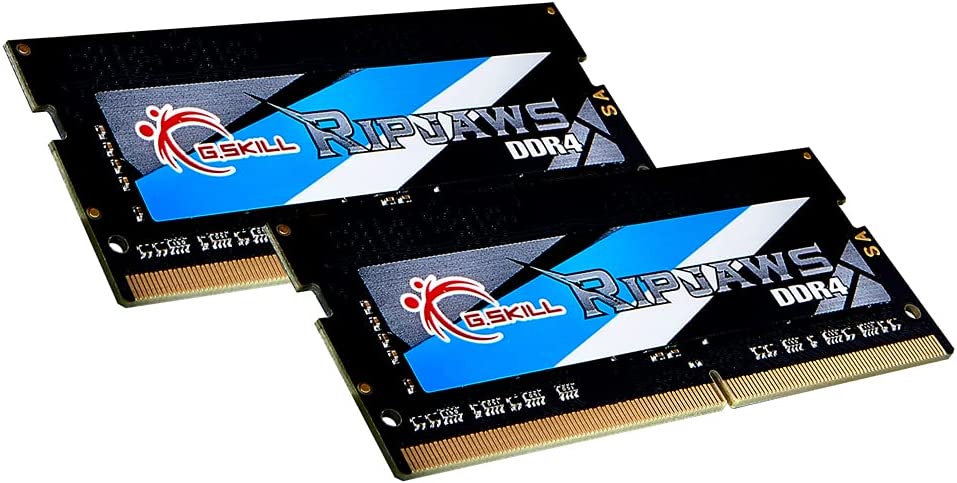
This memory kit’s 3200 MHz speed and low latency make it suitable for use with intensive applications. The RipJaws memory provides a fluid experience and little lag time, whether you’re playing games, editing films, or using a number of programs simultaneously.
High-quality heat spreaders are integrated into the design of the G.Skill RipJaws 16 GB Laptop RAM kit for efficient heat dissipation and reliable thermal management. This means that even when you’re pushing your laptop to its maximum, the memory modules will still be able to maintain more consistent temperatures, which in turn reduces the likelihood of system crashes and improves overall stability.
Not only can you use the built-in XMP profile and call it a day, but you can also tune the kit to your heart’s content with a bit of know-how. Despite the fact that overclocking needs some technical ability and comes with certain hazards, we have labeled the G.Skill RipJaws memory kit as the best overclocking DDR4 RAM for laptops in our overview.
With its high performance and sturdy construction, the G.Skill RipJaws 16 GB Laptop RAM kit is a steal at its low price.
3. TEAMGROUP T-Force Zeus
Best Cooled DDR4 RAM for Laptop
Pros
- Clean Aesthetics
- Overclocking Friendly
- Sizeable Heat Spreader
- Nice Colors
Cons
- QC issues in some units
Frequency: 3200MHz | XMP Ready: Yes | CAS Latency: 22 | Auto Overclocking: Yes
You can also look to enhance your laptop’s performance and speed with the high-performance TeamGroup T-Force ZEUS laptop RAM kit. It’s the epitome of form and function, thanks to its wide range of compatibility with different kinds of laptops, fast performance, low voltage operation, and streamlined design. Our selected RAM kit has more than enough speed and performance to meet the needs of gamers, multimedia creators, and professionals.
This particular sub-brand offers capacities of up to 32GB and speeds of up to 3200MHz, which makes it ideal for power-hungry tasks. Our selected kit operates at a low voltage of 1.2V, which reduces power consumption and heat production without sacrificing performance.
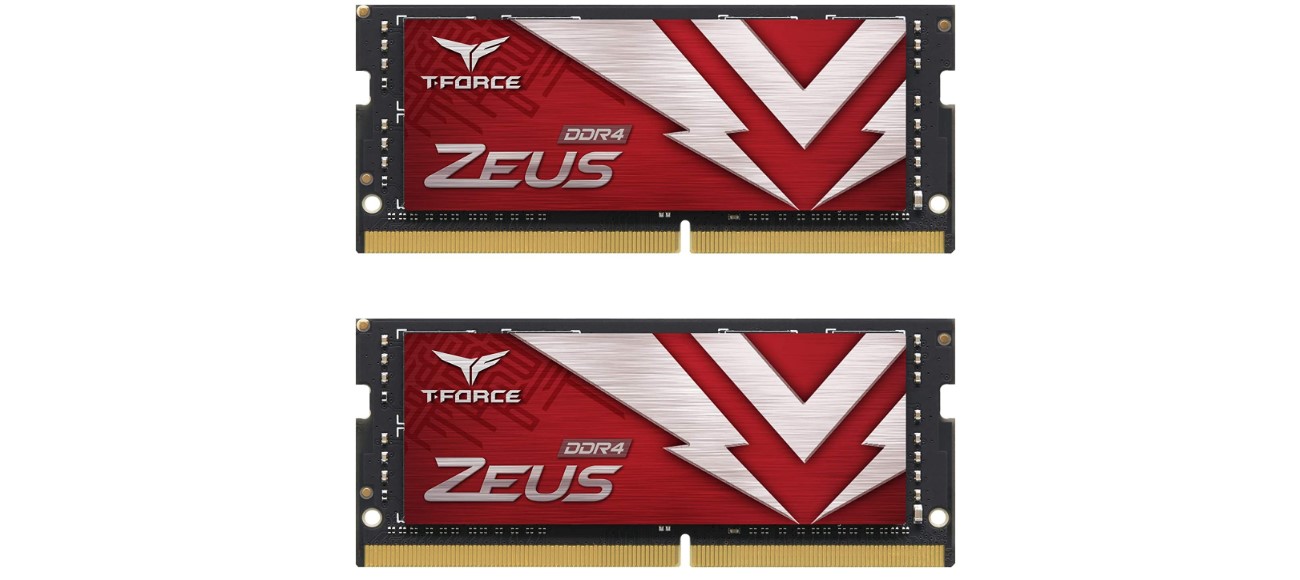
The kit comes with a heat sink design which aids in the dissipation of heat this is why we consider this memory kit as the best-cooled DDR4 RAM for laptops in this roundup.
Overclocking is also made easy with the T-Force ZEUS RAM kit, which is designed to help you get the most out of your laptop. Its high stock frequency and low voltage operation leave ample room for overclocking. Nevertheless, you should be careful with manual overclocking as might void your warranty and make your computer unstable.
As compared to other high-performance RAM kits on the market, the pricing of the TeamGroup T-Force ZEUS laptop kit is reasonable. Overall, the TeamGroup T-Force ZEUS laptop RAM kit is a great choice if you’re looking for a high-performance, low-voltage option that also looks great inside your laptop.
4. TimeTec Hynix
Best Basic DDR4 RAM for Laptops
Pros
- Variety Of Speeds
- Overclockable
- Extremely Low Voltage At 1.14V
- Good Value Kits
Cons
- High CAS Latency At 19
- Limited Compatibility
- Not XMP Ready
Frequency: 2666MHz | XMP Ready: No | CAS Latency: 19 | Auto Overclocking: Yes
Hynix is quite close to Kingston in the race of memory manufacturing and a lot of RAM kits use their memory as well. TimeTec Hynix is very popular among users who use their laptops for performing productivity tasks, i.e. these DDR4 memory kits are for the professionals out there.
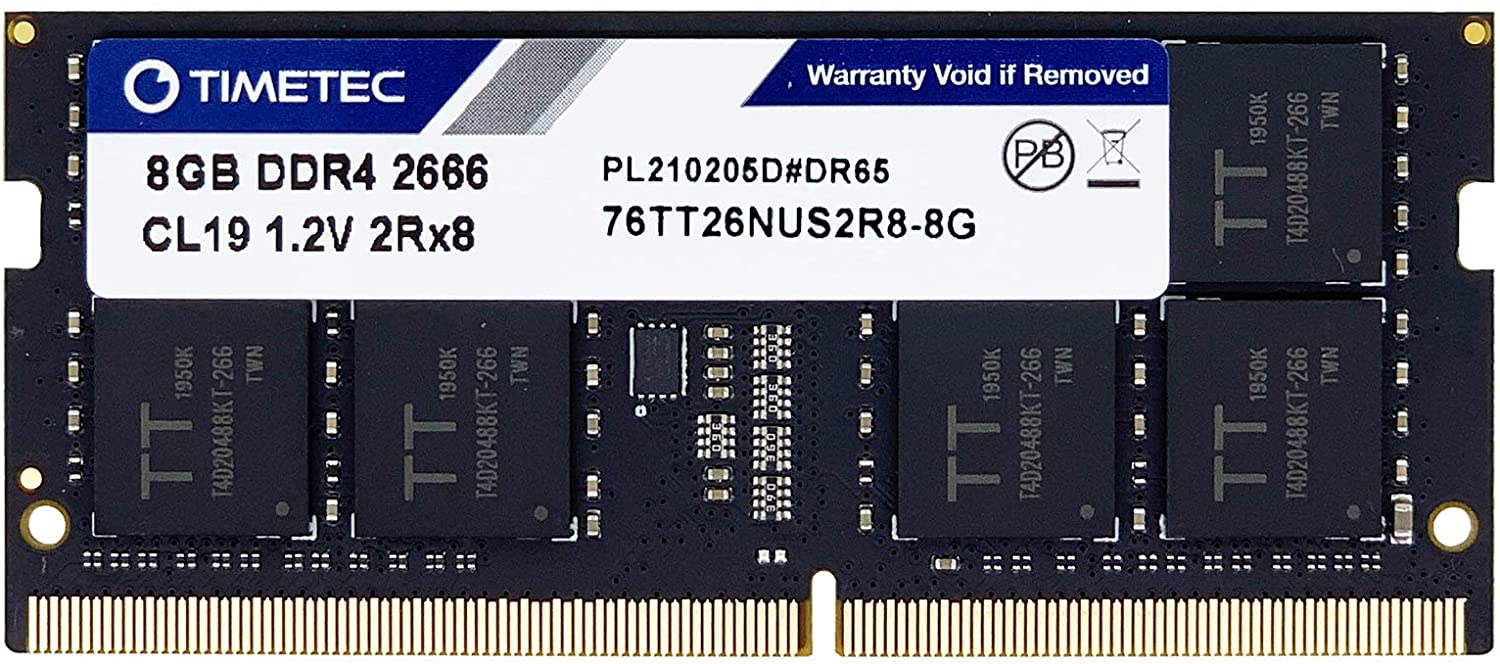
The RAM kit is nothing flashy so it might be the best basic DDR4 RAM for laptops on our list. It runs at a high speed out of the box at DDR4 2666MHz. It will give you the performance boost that you needed with a reasonable price tag to match. Moreover, these RAM kits run at 1.14V instead of 1.2V, thus resulting in higher efficiency which in turn leads to better battery life.
More RAM Kits: Best DDR3 RAM
Like the Corsair RAM kits, these ones also come with a lifetime warranty. One thing that must be noted with this RAM kit is that they have a CAS latency of 19, which is quite much higher than most of the other DDR4 RAM kits for the laptops. If you’re wondering what the CAS Latency is, check out our guide to RAM timings. Another unfortunate thing is that it has very limited compatibility, so you will have to be completely sure that you are buying this for the right device.
Overall, these RAM kits are a decent choice to gain performance if your device is fully compatible with them as these modules offer lower power consumption as well, ultimately making them an eco-friendly choice.
5. Patriot Memory Signature Line
Best Budget DDR4 RAM for Laptop
Pros
- Extremely Affordable
- Good Compatibility
- Low Latency At 15
Cons
- Not Overclockable
- Low Frequency
- Not XMP Ready
- No Heatspreader
Frequency: 2133MHz | XMP Ready: No | CAS Latency: 15 | Auto Overclocking: No
Last up on our list is the one at the budget side of the market, the Patriot Memory Signature Line. This is a simple module with 8GB of capacity and it runs at 2133MHz, which is somewhat lower than the standard 2400MHz memory kits you would find in most laptops. Due to the lower frequency, the CAS latency of the RAM kits is quite low at only 15. Moreover, these kits are a lot cheaper than the previously mentioned kits.
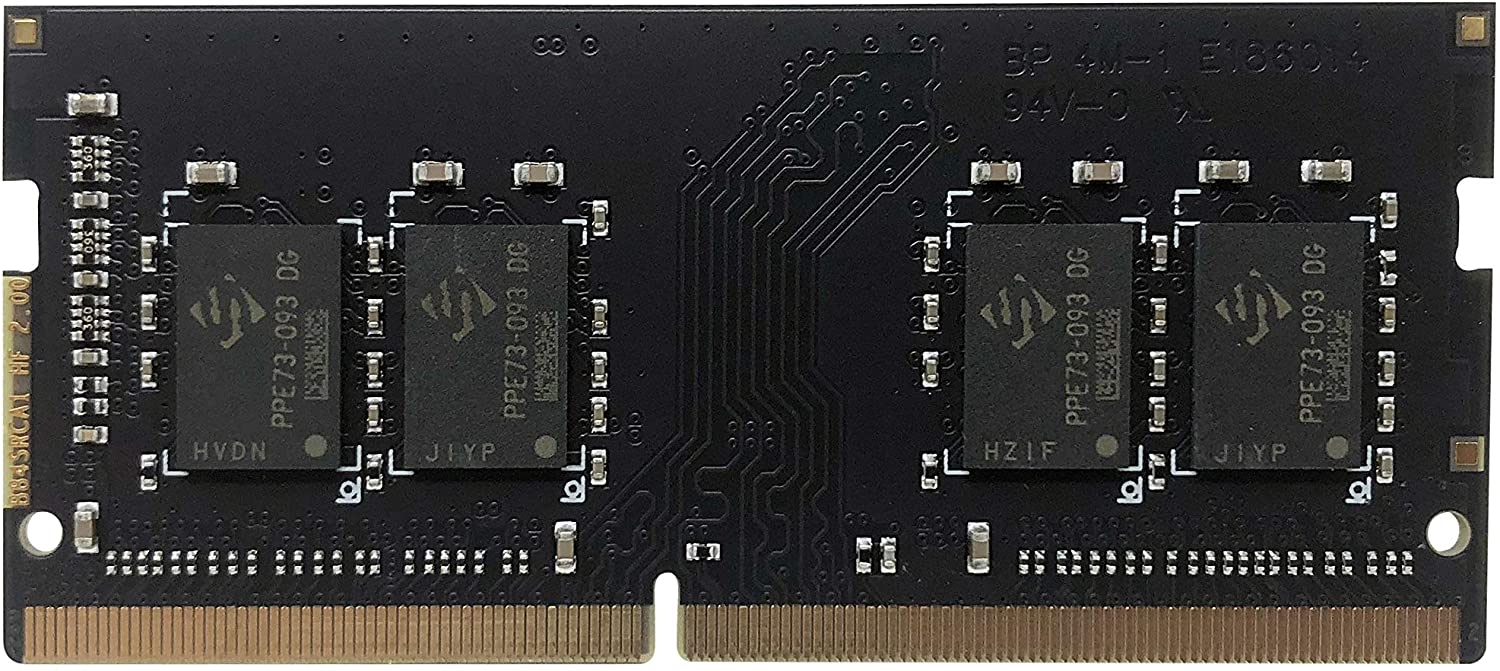
Since it runs at a low frequency, the chances are that these RAM kits are very much compatible with most of the laptops. However, the downside of these kits is that they do not have any overclockable support or XMP profile but that can be forgiven, as they are available at such a low price. Incidentally, you should definitely check out our guide on how to improve RAM health in a PC or laptop, and notebook.
Overall, these RAM kits seem like a great option for those people who do not care much about the performance or those people whose RAM sticks are faulty and they are looking for a RAM kit that won’t hurt their wallet.
DDR4 and DDR5 RAM for Laptop – What’s the Difference?
When shopping for new RAM, it is important to know the distinction between DDR4 and DDR5. Both have different features and compatibility. As a result, understanding what works with your system is important. So, let’s look at the difference between the two.
DDR5 RAM is the latest version of RAM. It offers significant improvements in terms of speed, capacity, and power efficiency compared to DDR4 RAM. One of the most notable differences between the two is their speed.
DDR4 RAM typically has a maximum speed of 3200 MT/s, while DDR5 RAM starts at 4800 MT/s and goes up to 7000 MT/s. This faster speed means better system performance, especially when handling demanding tasks like video editing, gaming, or running multiple applications simultaneously.
Another difference between DDR4 and DDR5 RAM is their capacity. DDR4 RAM currently has a maximum capacity of 32 GB per module, while DDR5 RAM starts at 16 GB and can go up to 64 GB or even 128 GB per module. This higher capacity can significantly improve your system’s performance.
Moreover, DDR5 RAM is designed to be more power-efficient than DDR4 RAM. It features a new technology called on-die ECC (error-correcting code), which helps in efficient error correction and lowers power consumption. DDR5 RAM also operates at a lower voltage, which further enhances its power efficiency.
But DDR5 RAM is still new, and it may not be fully compatible with older systems. So, before upgrading, make sure to check if your laptop or computer supports it.
Moreover, it’s more expensive than DDR4 RAM. However, if your laptop supports it, it is a good idea to upgrade to DDR5, as it is faster and performs better, and it can help to future-proof your system.
In conclusion, DDR5 RAM provides faster speeds, higher capacities, and better power efficiency than DDR4 RAM. It’s an exciting development for computer enthusiasts and gamers who want to build high-end systems or improve their existing ones.
The Best DDR5 RAM for Laptop – Our Picks
We covered all the best DDR4 Ram options for laptop above. Similarly, these are the best DDR5 RAM options.
1. Crucial 5600 MHz
Best Overall DDR5 RAM for Laptop
Pros
- Extremely Affordable
- Good Compatibility
- XMP Ready
Cons
- Slightly higher CAS latency
- No Heatspreader
Frequency: 5600MHz | XMP Ready: Yes | CAS Latency: 40 | Auto Overclocking: Yes
Crucial has gained popularity as a memory brand due to its exceptional price-to-performance ratio. Their desktop DDR5 RAM modules have become a popular choice for consumers, thanks to Crucial’s ability to deliver high-quality, high-performing products at a reasonable price point.
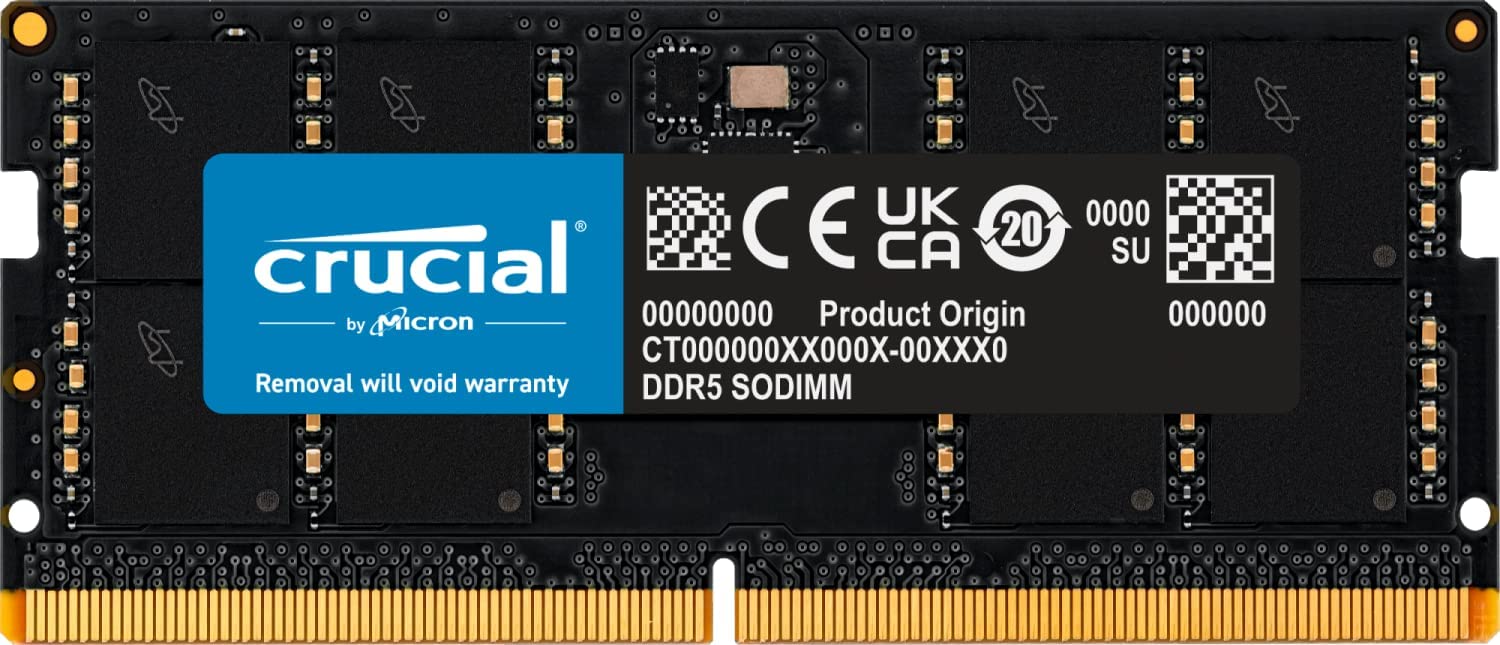
The Crucial DDR5 laptop RAM shows impressive performance right out of the box. The module operates at 5600 MHz, allowing for faster speeds and data transfer, which is great for multitasking and other resource-heavy tasks. Additionally, there are 4800 MHz and 5200 MHz options available, so make sure to check which one is compatible with your laptop.
Furthermore, this Crucial module supports XMP 3.0. This means that you overclock your RAM to make it run faster. XMP, or extreme memory profile, overclocks your RAM to a faster bandwidth. Furthermore, it also supports AMD EXPO, which is AMD’s alternative to XMP. Also, this module runs at 1.1 volts, which means it has great power efficiency and thermal performance overall.
Take a look at the best laptops: The 9 Best i7 Windows Laptops To Buy In 2025
Apart from the impressive performance, this module has a CAS latency of 40, which is slightly
on the higher end, as some of the latest DDR5 modules have CAS latencies of 38 or even 36.
If you are operating a workstation or performing any demanding tasks, such as 3D modeling or CGI, the latency difference is quite noticeable. However, if you are just a gamer, this difference is very slight.
All in all, the Crucial DDR5 laptop RAM is great overall. From performance to latency and price, this module does not disappoint. The faster bandwidth allows you to do demanding tasks, like video editing, rendering, or gaming, quite comfortably.
2. Kingston Fury Impact 5600 MHZ
Best High-End DDR5 RAM for Laptop
Pros
- Good Compatibility
- XMP Ready
- Inexpensive
Cons
- Slightly higher CAS latency
- 4800 MHz on 8 GB Stick
Frequency: 5600MHz | XMP Ready: Yes | CAS Latency: 40 | Auto Overclocking: Yes
The next DDR5 module is for those who want extreme performance. The Kingston Fury Impact Modules are designed just for that. Kingston has garnered quite a reputation because of their quality products, from RAM modules to storage hardware. They know what they are doing. The Fury Impact does not disappoint either, as it offers excellent specs and performance at a reasonable price.
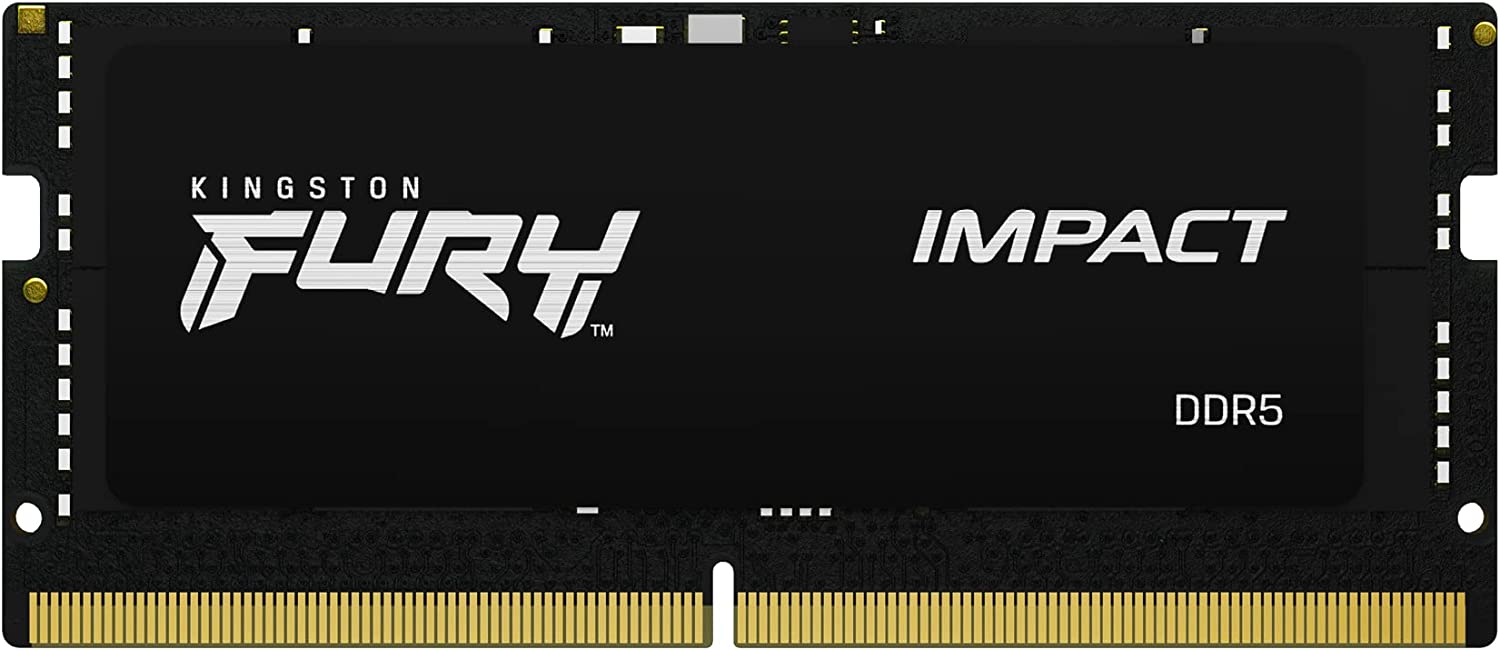
The next DDR5 module is for those who want extreme performance. The Kingston Fury Impact Modules are designed just for that. Kingston has garnered quite a reputation because of their quality products, from RAM modules to storage hardware. They know what they are doing. The Fury Impact does not disappoint either, as it offers excellent specs and performance at a reasonable price.
The Fury Impact performs quite exceptionally, with a speed of 5600 MT/s. There are also 4800 MT/s variants available, but for this review, we decided to go with the best. Before making a decision, ensure that your system is compatible. Moving on, the increased speed allows for smooth multitasking and an overall efficient system. If you use heavy software such as AutoCAD or After Effects, Fury Impact is an excellent choice.
Aside from the fast transfer speeds, this module is ideal for overclocking because it supports XMP 3.0. Enabling XMP allows your RAM to run faster than advertised speeds. This means a smoother and faster system overall.
Talking about speed, the Kingston Fury Impact has a CAS latency of 40 on the 5600 MHz variant and a latency of 38 on the 4800 MHz variant. So 4800 MHz is a bit faster in terms of latency but has slower transfer speeds. There is also a $20$ price difference between the two. So, depending on your budget and use case, make the right choice.
It is worth noting that the 5600 MT/s variant begins with 16 GB modules. So if you need an 8 GB stick, you will have to go for the 4800 MT/s variant.
To sum it up, the Kingston Fury Impact is a considerable memory module for performance enthusiasts, with a decent price, great specs, impressive performance, and auto overclocking. The Kingston Fury is a great choice.
3. Corsair Vengeance 4800 MHZ
Best Value DDR5 RAM for Laptop
Pros
- Good Compatibility
- XMP Ready
- Best Performance to Price Ratio
- Overclocked out of the box
Cons
- Higher CAS latency for a 4800 MHz RAM
Frequency: 4800MHz | XMP Ready: Yes | CAS Latency: 40 | Auto Overclocking: Yes
When it comes to making great-performing and affordable products, Corsair takes the cake. The same is true of the Corsair Vengeance series. The desktop version of the Vengeance module has received a lot of positive feedback from testers and customers. And because of this, we also selected the Corsair Vengeance in the DDR4 lineup.
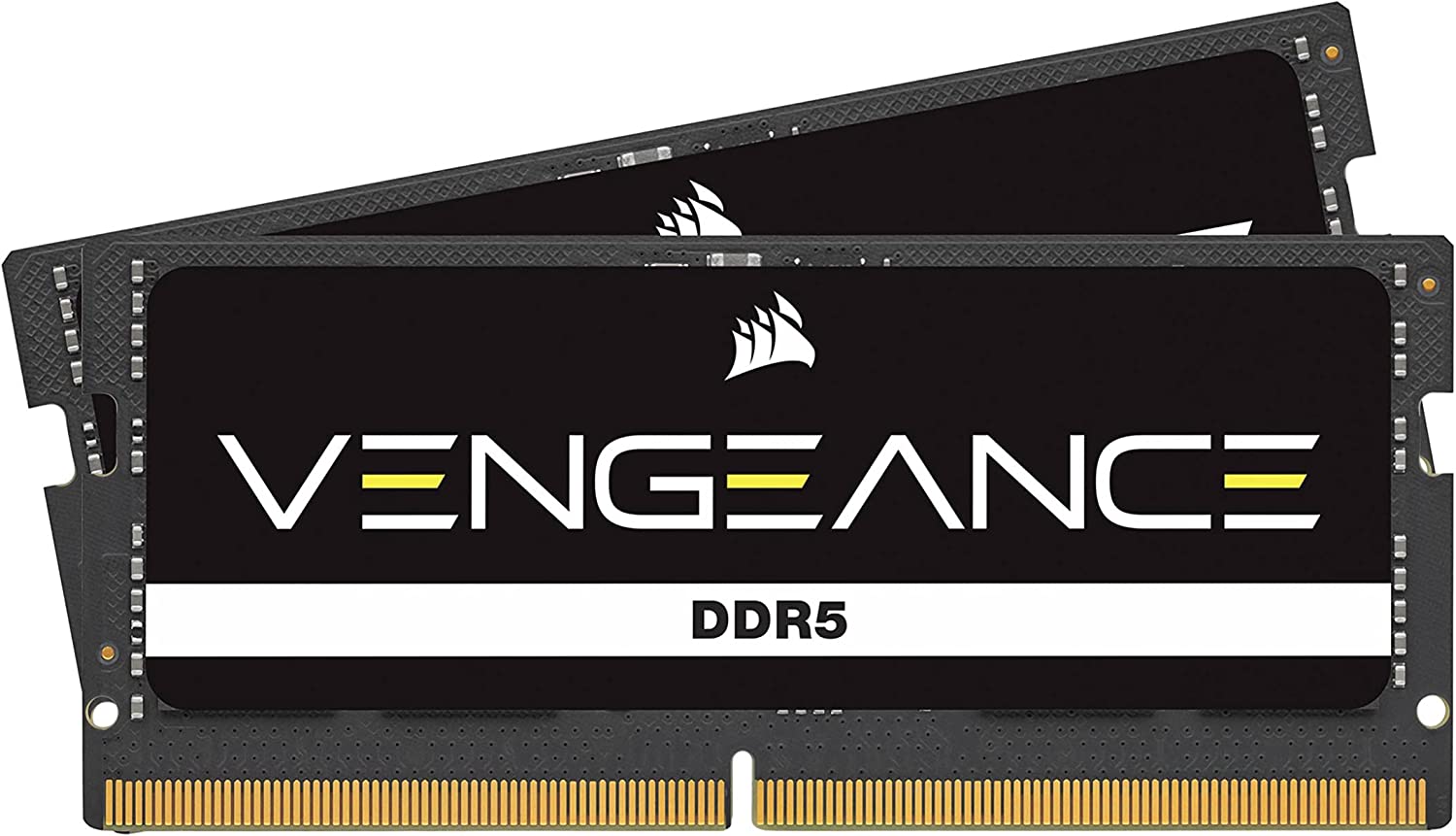
Apart from their great value, the Vengeance modules perform exceptionally well. The RAM clocks at 4800 GHz, though there is not a 5600 MHz or higher variant, which is a slight downside. So, if you are looking for higher transfer rates, consider our other options.
Best RAM for Desktop PCs: Best DDR4 Rams for Gaming PCs
But, apart from that, Vengeance modules have great features. First and foremost, the Corsair Vengeance DDR5 is simple to set up. It comes with a Maximum Speed Boost feature, which basically makes the RAM run at max speed without the need to enable XMP from the BIOS. This is a great plus point for consumers who don’t want to go deep into the intricacies of computer hardware.
But that does not mean it lacks support for the XMP. The Corsair Vengeance DDR5 supports XMP 3.0, allowing more overclocking room.
Furthermore, the Corsair Vengeance operates at 1.1 volts. This means lower power consumption, which leads to overall better thermal and power efficiency.
When it comes to latency, this module has a CAS latency of 40. Given that CL36 or CL38 is the standard for a 4800 MHz module, this is on the slower side of latency.
Overall, the Corsair Vengeance DDR5 modules are excellent for budget-conscious buyers. It provides a significant boost to your laptop at a low cost.
4. A4Tech DDR5 4800 MT/s
Best Entry Level DDR5 RAM for Laptop
Pros
- Extremely Cheap
- Impressive Performance
Cons
- Higher CAS latency for a 4800 MHz RAM
- Lack of XMP
- No Auto-overclocking

Frequency: 4800MHz | XMP Ready: No | CAS Latency: 40 | Auto Overclocking: No
The last DDR5 module on our list is the A4Tech DDR5 laptop RAM. A4tech is known as a budget brand because its products are extremely affordable. This includes this RAM, as it is the cheapest DDR5 option on our list.

Even with the low price tag, the A4tech is not a bad choice. It performs quite well and provides a significant boost to the system. In terms of speeds, this module runs at 4800 MHz out of the box.
This makes it a good choice for value-conscious consumers, as you get impressive performance at a reasonable price.
Though there are some downsides, Firstly, there is no XMP support, which means overclocking is out of the question. And secondly, the CAS latency is 40, which is slightly higher than other 4800 MHz options.
Apart from the lack of overclocking support, the A4tech DDR5 laptop RAM is an overall great module. And it’s perfect if you want a quick upgrade to your laptop’s performance without breaking the bank.
Expert Advice – Does RAM Speed Matter?
A lot of users have this question since the topic is quite complicated in nature. At the end of the day, we don’t want to give a vague and non-descriptive answer, but it definitely depends on the user. If you want a more detailed analysis, check out our opinion piece on RAM Speed – does it matter?
When it comes to RAM speed, it heavily depends on your use case. When talking about gaming, the performance difference is not that big. In fact, there is only a minimal improvement in average FPS in most games, usually single-digit increases. However, some games are a bit more particular about this. PCs with higher capacities and higher-clocked RAM perform better in a few particular games.
In terms of productivity, RAM speed matters a lot. Especially with demanding tasks like video editing or 3D modeling, systems with faster memory tend to render quicker as well. Even for minute tasks such as transferring files, faster RAM is a bit more appreciated. You should also take a look at our opinion piece on 64 GB RAM – Is it worth it?
There is also the question of DDR4 and DDR5. Both have their pros and cons. Simply put, DDR5 has faster clock speeds than DDR4, but it is more expensive. But there is the problem of compatibility. Since DDR5 is fairly new, most older laptops do not support it. So, in this case, going with DDR4 is the right choice. But, if you have support for DDR5 and can spend those extra bucks, then go with that, as it is better in the long term.
If you’re going all out with a high-end rig, then sure, go with 3600+ Mhz to get that slight increase in performance. But for most people with a more constricted budget, we recommend focusing on other areas of performance first, such as the GPU and the gaming CPU. For most mainstream builds, 2666 MHz or 3200 MHz seems to be the sweet spot. The slight mileage you get in performance going beyond that is barely worth it.
How much RAM is enough?
We always pounce on the question of how much RAM is enough whenever we consider upgrading RAM. When it comes to RAM, the more the merrier usually works. But everyone has different use cases and budgets. Not everyone has the money to go out and buy a 64-gigabyte kit of RAM.
The amount of RAM you require is heavily dependent on your particular needs. If you just like to consume content, do simple tasks, or browse the web, then 8GB of RAM should suffice. But, we recommend upgrading to 16 GB, as it is better.
For gamers, 16 GB is the sweet number. As most AAA games run easily and smoothly on 16 GB, anything above that is overkill for gaming purposes.
On the other hand, if you’re doing more intensive tasks, such as video editing or 3D rendering, you’ll want to aim for 32GB of RAM to get the best performance. And sometimes 64 GB is also the right call if you are running enterprise-level projects, as they require more RAM to run efficiently.
If you frequently use multiple applications at the same time or if you work with large files or data sets, having more RAM can significantly improve your computer’s speed and efficiency.
However, it is important to remember that simply having more RAM than you require does not guarantee that your computer will run faster. The processor and storage device in your computer are also important factors in its overall performance.
To sum it up, when deciding how much RAM you need, consider what you’ll be doing with your computer and check the system requirements for any specific applications or tasks you’ll be running.
Things You Should Know
When you are out shopping for a new RAM, there are certain things you should know. Knowing the ins and outs of Ram can greatly assist you in finding what you’re looking for. Hence, we have made a list of the things you should know about RAM.
Capacity
The RAM, or random access memory, works as a bridge between the CPU and the hardware. It acts as a temporary storage for the data, making it easier for the computer to access it. To put it simply, it loads processes into its memory for the CPU to execute. Therefore, RAM comes with different capacities, ranging from 4 GB up to 64 GB and more.
Since RAM capacity plays a vital role in the performance of a system or laptop, it is essential to know what your requirements are and pick the correct quantity.
If you’re running multiple applications or using your computer for gaming or video editing, you’ll need more RAM to keep up with the demands of your system. On the other hand, if you only use your computer for internet browsing or basic office work, you can get by with a lower RAM capacity.
It’s also worth noting that different motherboards have different RAM capacity limitations. Make sure to check your motherboard’s specifications to determine the maximum capacity of RAM it can support.
Type
Through the years, just like other hardware, RAM has also evolved. These generations are referred to as DDR, or double data rate. The latest of these is DDR5, as is its predecessor, DDR4, where the number after DDR represents the generation.
DDR4 and DDR5 are the two most common types of RAM available today. DDR4 is currently the most popular option, and it’s supported by almost all modern motherboards. DDR5, on the other hand, is the latest technology and provides faster speeds and higher capacities than DDR4. However, it’s also more expensive and not yet widely supported by older systems.
Speed
The speed of a RAM module depends on two components, CAS latency and data transfer rate.
Let’s discuss the transfer rate first.
A RAM module’s data transfer rate refers to the number of bytes that can be transferred per second. This is an important factor in determining how fast your system will run, especially if you are multitasking or using demanding software like AutoCad or Premier Pro.
So, always go for a higher-speed RAM, something with 3200 MT/s or more, to ensure smooth performance.
CAS latency is a measurement of how quickly RAM responds to data requests. It is measured in clock cycles, and a lower number means that the RAM responds faster.
When buying RAM, you need to consider both of these factors to make sure you get the right module for your computer.
Single or Dual Channel
The last thing that you should know about RAM is the way it is installed. There are mainly two ways to install them. For the sake of this discussion, we will be considering 16 GB of RAM. You can install a single 16-gig stick, which is called single channel, or you can install two 8-gig sticks, which is dual channel.
There is also multi-channel if you install four 4 GB sticks. The main thing to note is that double- or multi-channel has a significant boost in performance as compared to single-channel. As a result, whenever you go shopping for RAM, opt for pairs of two sticks or even four sticks to get even more performance.
Buyer’s Guide
Capacity
RAM comes in different sizes, typically ranging from 4GB to 32GB or more. More RAM can improve your system’s performance, but it also comes at a higher cost. Consider your budget and the amount of RAM your system can handle when deciding on the capacity you need.
If you’re a gamer or graphic designer, you’ll likely need more RAM than someone who mainly uses their computer for web browsing and word processing.
Type
There are different types of RAM, including DDR3, DDR4, and DDR5. DDR5 is the latest, but not all systems support it yet. DDR4 is currently the most common and is supported by most modern systems.
The key differences between DDR4 and DDR5 are speed and price. Simply put, DDR5 has faster speeds than DDR4. DDR4 can reach a maximum frequency of 3200 MHz, whereas DDR5 starts at 4800 MHz and can reach 7000 MHz or higher.
Secondly, DDR5 kits cost much more than DDR4. So, it is not a good choice if you are on a budget. But, if you can spend a few bucks, then going for DDR5 is not a bad idea as it is the latest generation with room to improve further.
Compatibility
Before going out shopping for RAM, you need to consider how much RAM your system can support and how much you actually need. DDR4 is compatible with most systems. DDR5 is newer, so it is incompatible with older hardware.
Furthermore, not all RAM is compatible with all motherboards. So make sure to check the type and speed of RAM your motherboard supports before making a purchase.
Single-channel And Multi-channel:
Channels in RAM indicate the number of pathways data can follow. A single channel is a single path for data to follow. where multi-channel means more than one pathway.
When it comes to general performance, multi-channel is better than single-channel. as there are more ways for data to travel. This ensures faster data transfers and an overall smooth and efficient system.
Brand
Just like any other piece of hardware, It is important to buy your RAM from a reputable brand. There are many brands that offer good RAMs at great prices, such as Corsair, Crucial, and Kingston, to name a few.
Although buying from a third-party brand will save you money, there is no guarantee that the RAM will perform better or, worse, damage your existing components. So, always research the market for good and trustworthy brands to buy your hardware from.
Frequently Asked Questions
Currently and Unlike 4gb DDR4 RAM, 32GB of RAM can be classified as overkill for the regular user. If your daily use revolves around web browsing and word processing, then even16GB of RAM is way more than you could ever need. Even gamers should be content with 16GB of RAM as of right now. However, if your use includes video and photo editing and productivity tasks of that nature, then 32GB of RAM is recommended since those tasks do eat up quite a bit of memory. Any serious productivity-focused machine should be equipped with at least 32GB of RAM.
Technically, yes, you can mix RAM speeds without encountering any significant problems, although this is not recommended for a couple of reasons. Mismatched RAM speeds can sometimes cause stability issues and might even prevent your system from booting up. In theory, mismatched RAM speeds are automatically synchronized to the slower speed of the two, but sometimes this is not the case. Therefore, it is always recommended to buy RAM sticks of the same speed and latency.
Both RAM size and RAM speed are important in their own rights. As far as RAM size is concerned, the basic rule is that you should have more RAM in your system than you can use in any scenario that you encounter on a daily basis. For most people, 16GB of RAM is plenty and for productivity-focused machines, usually, 32GB is recommended. As far as speed is concerned, it is less important than the RAM size in terms of critical system stability, but it is still important if you want a little bit more performance in applications like games.
Generally speaking, higher MHz RAM is better due to the faster rate of transfers, but that is only one side of the story. There is a clear point of diminishing returns in RAM speed as well, so it does not make sense to spend a lot of money for minor increments in performance beyond a certain point. Moreover, you also have to take into account the CAS Latency (CL) of the memory modules, which acts as sort of a counterweight to RAM speed. Higher CAS Latency is detrimental to the module’s performance even if the MHz rating is high.

i have a MSI GE72VR 7RF Apache Pro laptop, i wanted to upgrade the ram? 16gbx2=32gb, was wondering if somebody can help me, is there such a thing 16gbx2? and is it compatible with this laptop? and looking at the ram you have posted,- i am still confused? the higher the frequency the better the speed? in this case (3. Patriot Viper 4 Series) and (4. TimeTec Hynix) would be the very best? as the speed is at 2666mhz?-CAS Latency?in this case (4. TimeTec Hynix) with 19 verses the (3. Patriot Viper 4 Series) with 18? the lower the better?so thn if i calculate the response time correctly..1. Corsair Memory ——- 0.417×16=6.66ns2. Kingston Hyper X Impact —– 0.417×14=5.83ns3. Patriot Viper 4 Series —– 0.375×18=6.75ns4. TimeTec Hynix —– 0.375×19=7.13nsso logically we should get the kingston hyper ximpact ??? OR 2nd best corsair memory?so the next question would be, between the 2, is to consider the XMP reddy means? and is it compaltible to my laptop? can you help fill in the bank to conclude what would be the best decision for me? thanks.