Comparison: Aura Sync, Mystic Light, Gigabyte RGB Fusion and AsRock RGB
The fact that the RGB lighting system has taken over the PC market is nothing surprising. This was supposed to happen, and the foreshadowing was done when we got the LED lights in the market for the first time. Someone had to be clever enough to figure out that if they integrate RGB lighting, things will become even better.
With that said RGB lighting has taken over the market, and nearly every single manufacturer is releasing products that come with the lighting. Big players like Asus, MSI, Gigabyte, as well as AsRock, have their own, proprietary RGB LED systems that are available on their components.
Keeping that in mind, this often ends up confusing the new PC builders who are in the market looking for a good experience with the LED lighting. If you are just building a PC, and you are deciding which RGB implementation is the best, you are at the right spot as we are going to explore all the possibilities and find out the best one.
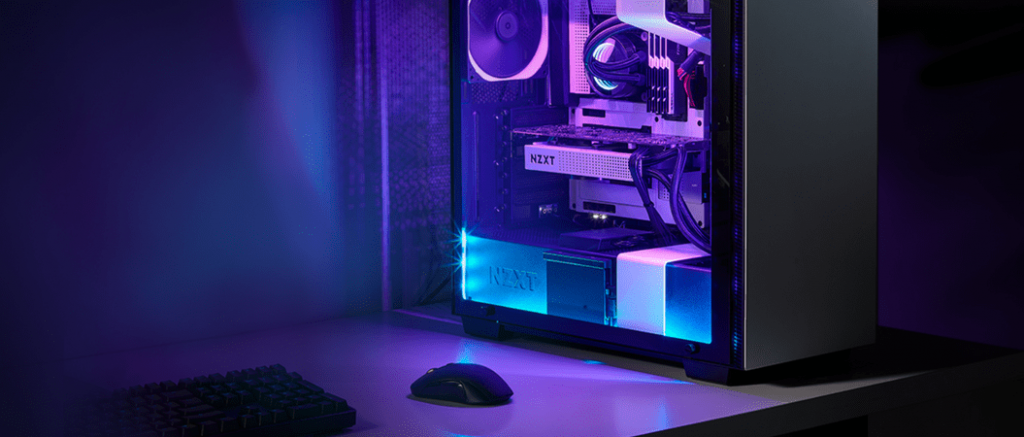
Asus Aura Sync
The first one we have is the infamous Asus Aura Sync. The reason I am calling it infamous is that in the past, it had some issues with the way Windows update handled the software solutions. However, ever since that, it has become one of the most stable RGB lighting systems available in the market.
The best part about Aura Sync is that it is supported by nearly every single major manufacturer. Think of RAMs from Corsair, G.Skill, AData and so many other companies. Then you have fans from several manufacturers, and not to forget, Asus’ own implementation on its motherboards, GPUs, as well as their power supplies, and their peripherals. Needless to say, when it comes to the most definitive RGB lighting system, there is nothing better than Asus’ Aura Sync.
Our Motherboard Recommendations For Ryzen Processors
| # | Preview | Product Name | Award | Details |
|---|---|---|---|---|
| 1 | 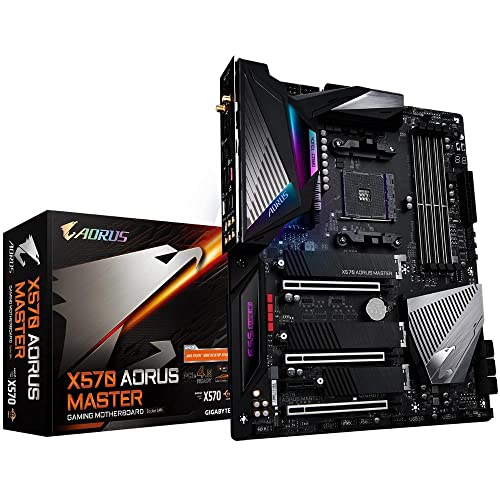 | Gigabyte X570 Aorus Master | Best Overall AMD Motherboard | Check Price |
| 2 | 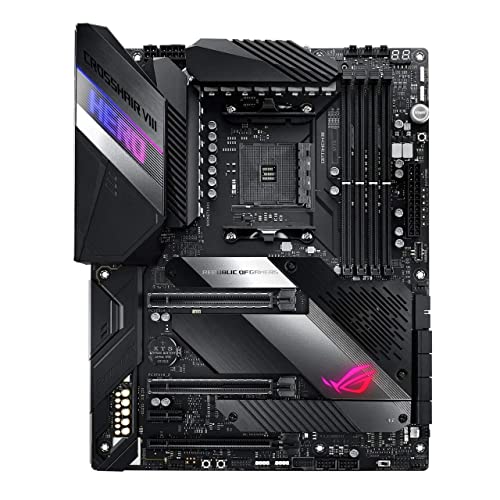 | ASUS ROG Crosshair VIII Hero | Best High-End AMD Motherboard | Check Price |
| 3 | 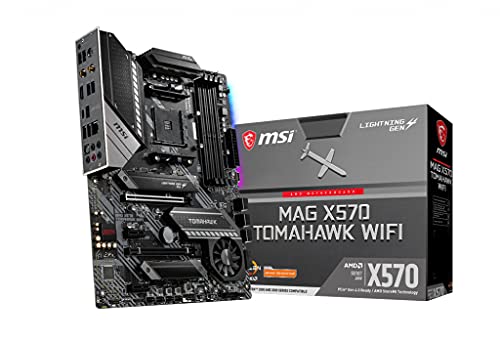 | MSI MAG X570 Tomahawk WiFi | Best Mid-Range AMD Motherboard | Check Price |
| 4 |  | MSI MAG B550M Mortar | Best Budget AMD Motherboard | Check Price |
| # | 1 |
| Preview | |
| Product Name | Gigabyte X570 Aorus Master |
| Award | Best Overall AMD Motherboard |
| Details | Check Price |
| # | 2 |
| Preview | |
| Product Name | ASUS ROG Crosshair VIII Hero |
| Award | Best High-End AMD Motherboard |
| Details | Check Price |
| # | 3 |
| Preview | |
| Product Name | MSI MAG X570 Tomahawk WiFi |
| Award | Best Mid-Range AMD Motherboard |
| Details | Check Price |
| # | 4 |
| Preview | |
| Product Name | MSI MAG B550M Mortar |
| Award | Best Budget AMD Motherboard |
| Details | Check Price |
Last Update on 2026-06-15 at 21:27 / Affiliate links / Images from Amazon Product Advertising API
There is one issue though, and it is important to know. In most cases, the Aura Sync software does not like to play fair and can end up with some crashes.
Overall, the Asus Aura Sync is your best bet if you are looking for a cohesive RGB ecosystem. It is available on the most number of components and peripherals, and it works really well when it wants to.
Pros
- Excellent implementation.
- Supports the most number of components and peripherals.
- Easy to use.
- Getting better and better with time.
Cons
- Does not like to play fair with Window updates.
MSI Mystic Lighting
The second RGB implementation we have is the MSI Mystic Lighting. There is no denying that MSI has earned a name for itself over the past couple of years as one of the leading brands. However, is their RGB lighting system as good?
Well, to begin with, as far as the implementation is concerned on their own components, the RGB lighting looks phenomenal, to say the least. However, beyond that, there is not much to look forward to. Sure, there are a number of third-party components that do support Mystic Lighting, but they are not as commonly available, meaning that the choices you have are going to be limited. This is one of the reasons most people stay away from MSI components when it comes to finding the right software solution for RGB lighting.
All in all, the MSI Mystic Lighting is one of the more stable RGB systems, but it is held back by the lack of component support, which makes it a not so viable option for those who want the ultimate cohesion.
Pros
- Looks great on components that support it.
- The software is stable and does not crash as often.
Cons
- Does not have a lot of components supporting it.
Gigabyte RGB Fusion
Gigabyte did not take long to jump the gun and introduce their own RGB lighting system called the Gigabyte RGB Fusion. Needless to say, it was the smart thing to do considering how nearly every manufacturer was found doing the same thing, and to not do it would be a bad thing because people would then have not preferred Gigabyte products.
In the hindsight, the RGB Fusion works well. It works almost the same as the Mystic Lighting by MSI. Sadly, it does end up sharing some characteristics of the former as it does not have a lot of advanced features, to begin with. As sad as it may seem, the RGB Fusion is pretty rudimentary when it comes to supporting. Sure, the lighting itself if nicely implemented, but that is not even the tough part.
To be honest, if the Gigabyte RGB Fusion tends to keep up with the Aura Sync, it will be needing 3rd party support in a drastic measure, or else it will be left behind.
Pros
- The lighting looks good on the supported components.
- The software runs properly.
Cons
- Lack of 3rd party component support.
AsRock RGB
The last entrant on our list is AsRock RGB. Again, the scenario is much similar than we have previously faced. On its own components, the RGG lighting works just fine but outside the ecosystem, there is not much support available, to begin with.
The idea of listing pros and cons does not make much sense here for multiple reasons. For starters, outside AsRock components, the support is extremely minimal and almost next to nothing.
Conclusion
If we are to conclude this whole situation and announce the winner, it should come as a surprise that the winner is going to be Asus Aura Sync RGB. Despite its caveats, it is one of the most definitive RGB implementations both on the hardware, and software front. More importantly, it works really fine in all the cases, and will definitely give you a great looking system, as well. Ultimately, check out our preferred best lighting solutions for gaming PCs review.

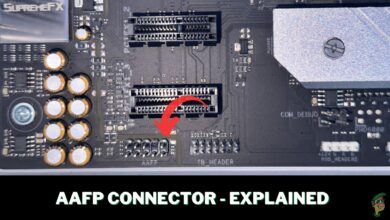


I’m looking at a Gigabyte Aorus board myself, but looking at forums and youtube about the Gigabyte RGB Fusion and Fusion 2, it seem a whole LOT of people have all sorts of issues with it, even for components that are supposedly supported – is there many on here who has the fusion or fusion 2 with some experience on that?